Preview
Compare related output from the frozen before/after revisions. Nothing runs just by opening Preview.
Set up
If previews are not set up, use Set up previews and follow the displayed lc review --setup command. Available surfaces depend on the repository and installed providers.
Compare
- Choose a surface from Surfaces.
- Select Start preview for a supported web app, Run for executable output, or Run test for a configured check.
- Inspect Before / After / Changes or the live and pixel comparison when offered. Related pages can reuse the same application session.
- Rank by change uses available comparisons. Collapse or show the surface list as needed.
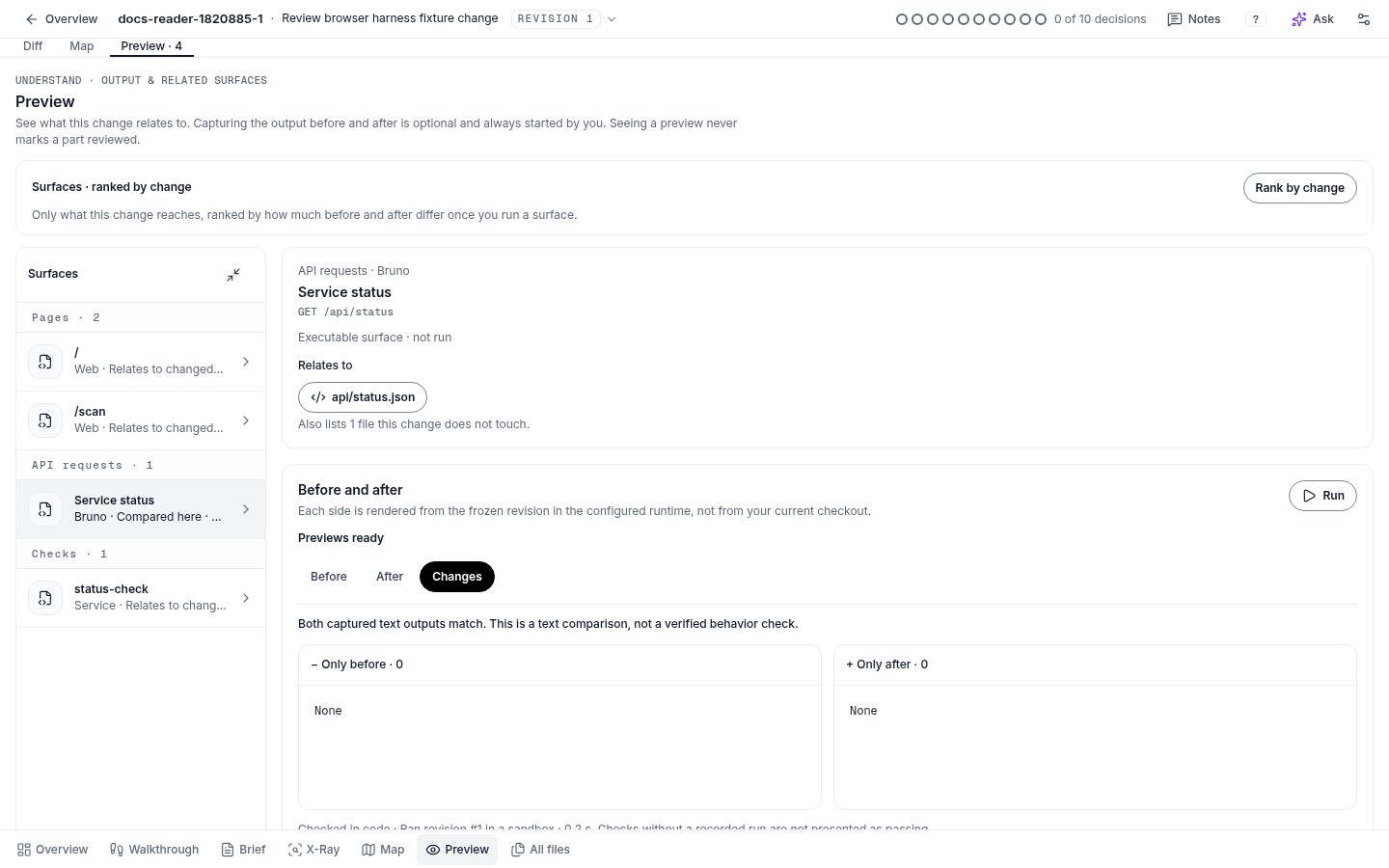
Missing routes, failed renders and unrun checks are not successful comparisons. Viewing a preview does not mark code reviewed.